
Billing and plans
Pay for Waynkon. Keep the fare between you
Choose the plan that fits your account, see your usage and invoices in one place, and get reminded before anything is due.
How it works
Billing that keeps you on time
Four kinds of account, each with its own plan
Parents and guardians, schools, organizations and independent drivers each choose their own plan, monthly or yearly. Employed drivers and attendants use their employer’s access.
Clear offers
Prices, trials and limits come from the current plans, the same ones you see at sign-up and in Billing.
Due dates and reminders
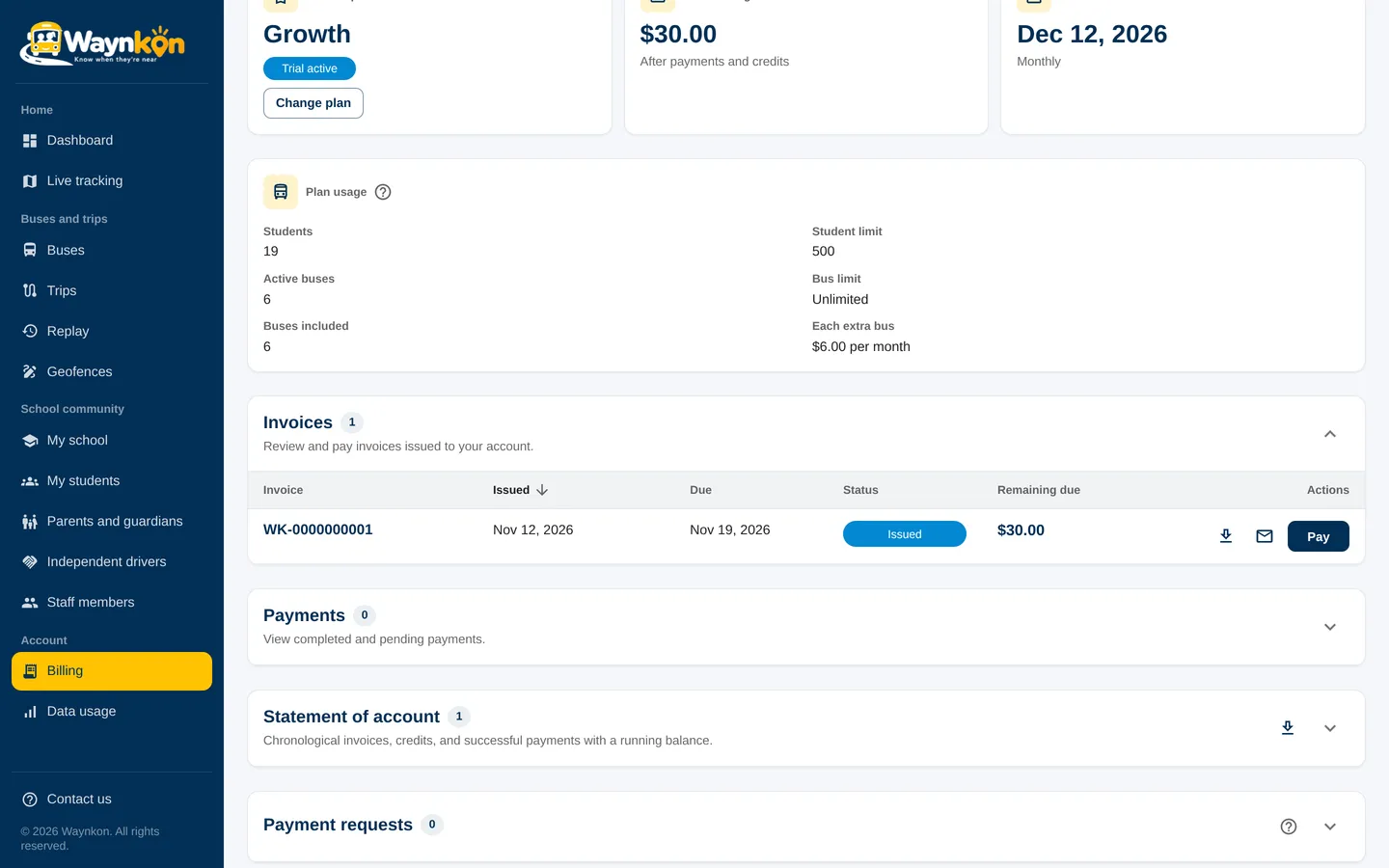
Every invoice shows its due date. You receive reminders before it, and a notice on the day: in the app, by email and on your phone, in your own language.
Paying an invoice
Open Billing, choose the invoice and use one of the payment methods shown. Once Waynkon confirms the payment, the invoice is marked paid. You can follow the review in Billing.
No surprise pauses
If you’ve already sent a payment for review, Waynkon waits for the review instead of pausing your service.
Changes at renewal
Switch plans whenever you like; the change starts at your next renewal, with no partial charges. Moving to a smaller plan keeps all your records.
See it in the app
- 0:00 / 0:09
- 0:00 / 0:13
“Which invoices are due?”
One invoice is open: USD 30.00, due Tuesday 18 November. Nothing is overdue.
Questions about billing
When is my invoice due?
The due date is shown on each invoice in Billing, and in the reminders Waynkon sends you.
Which payment methods can I use?
Use the methods shown in Billing for your invoice. Waynkon marks the invoice paid once the payment is confirmed.
What happens if I’ve paid but it hasn’t been confirmed yet?
Your service continues while Waynkon reviews the payment. You’ll see the result in Billing.