
Area alerts
An alert for the places that matter
Draw an area around home, school or a meeting point, link the bus you follow, and know when it arrives or leaves.
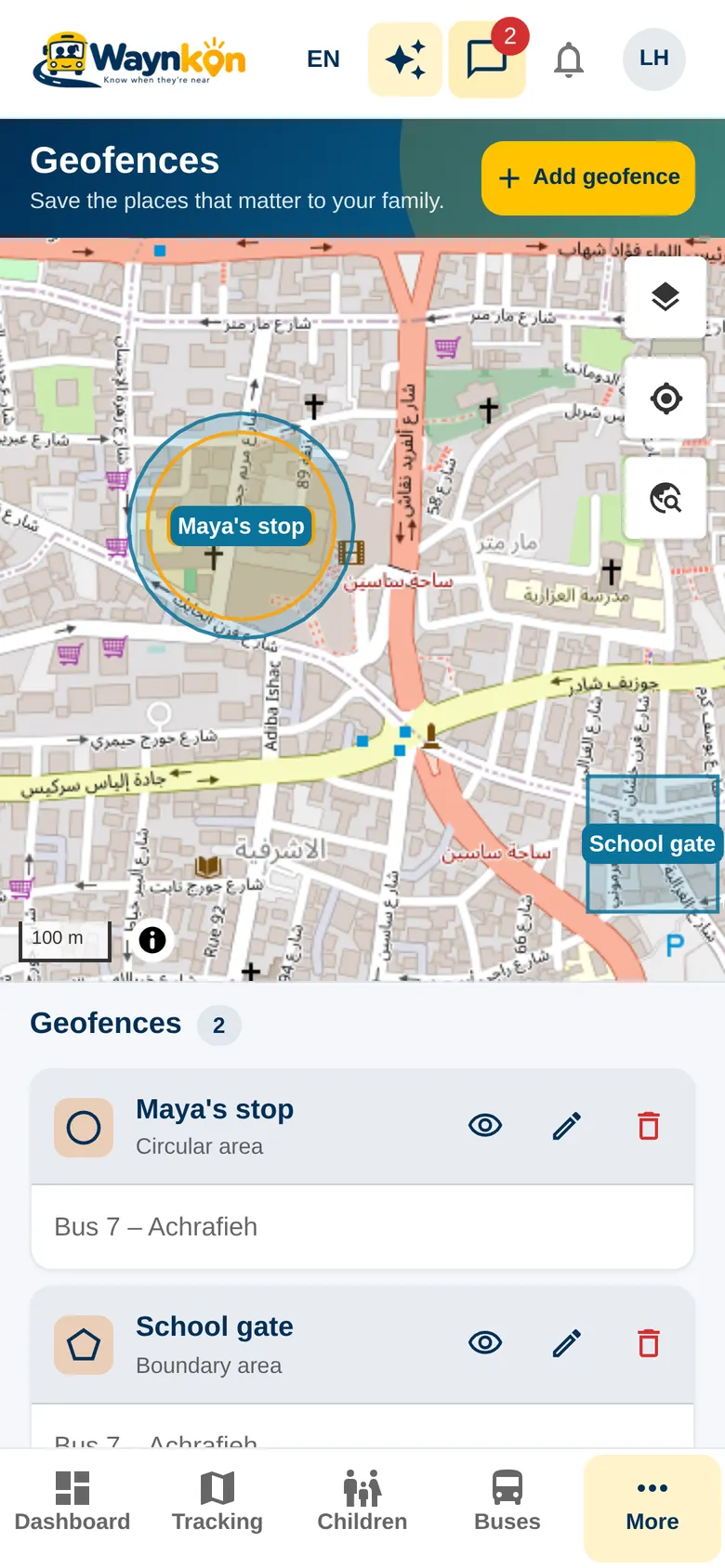
How it works
Your places, your notices
Draw your area
Draw a circle or a free shape around a home, a school gate or an agreed meeting point. In the app, your areas are under “Geofences”. You can do it any time; the bus doesn’t need to be on a trip.
Link the bus you follow
Link one or more buses you are allowed to follow, and you’ll get a notice when they enter or leave the area. To link different buses later, delete the area and draw it again.
Private to its owner
An area belongs to the parent, school or organization that drew it. Only its owner sees it, edits it and gets its notices.
Trip stops are separate
Stops on a trip plan are managed by the school or driver through the plan. Your personal areas stay yours.
See it in the app
- 0:00 / 0:14
“Show my areas.”
You have 2 areas: Home and Al-Yasmine School gate. Both are linked to Bus 7 – Achrafieh.
- Area alerts work for buses you can currently follow. Drawing an area never gives access to another bus.
- A notice needs a recent position from the bus, so a weak signal can delay it. An area is a notice, not a guarantee of arrival.
Questions about area alerts
Can I draw an area before the bus starts its trip?
Yes. Draw it whenever you like. Notices start once a bus you follow enters or leaves it.
Who can see my areas?
Only you, or the school or organization that owns the area. Waynkon support can see areas when helping with an issue.