
Trips and attendance
One trip, with every pickup and drop-off recorded
Prepare the journey once, run it every school day, and keep a clear record of what happened at each stop.
How it works
From plan to finished trip
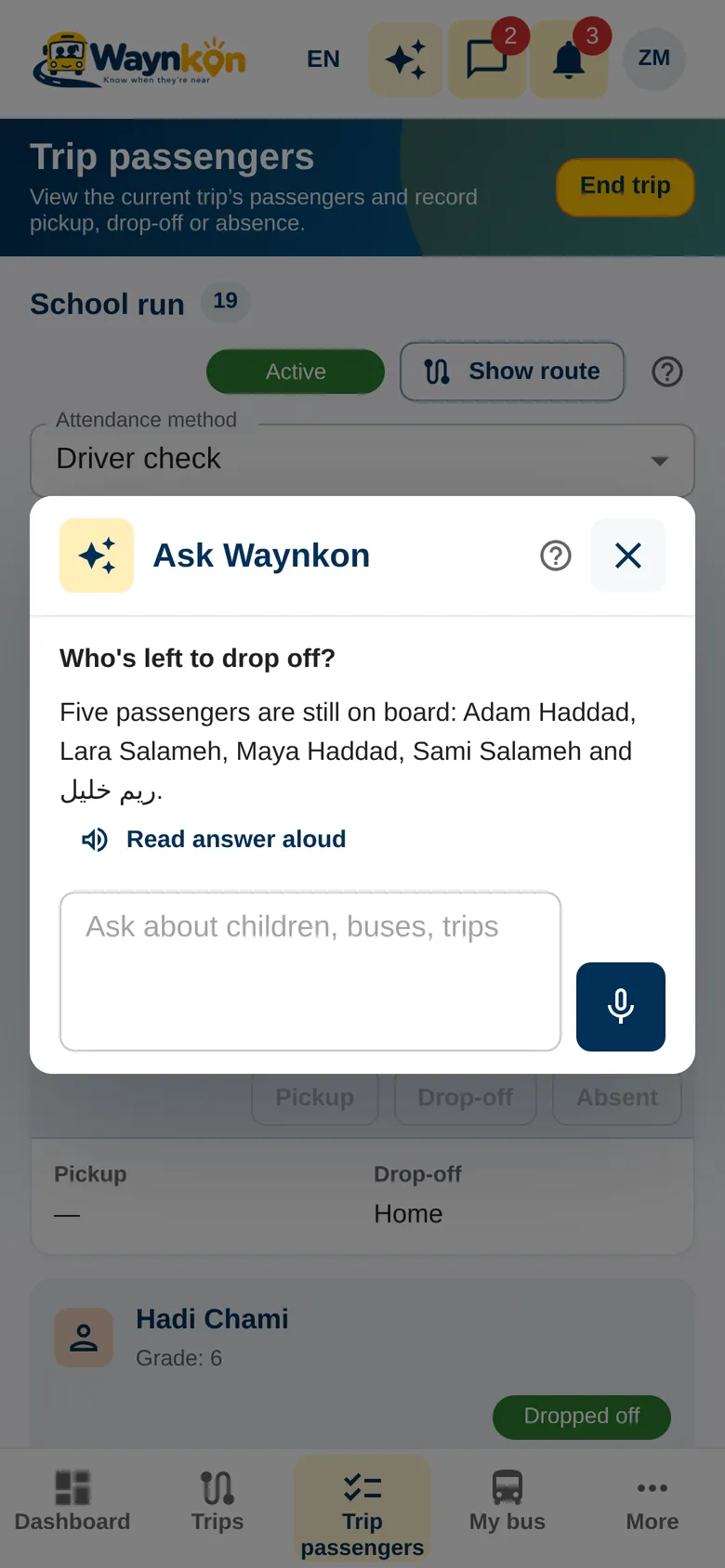
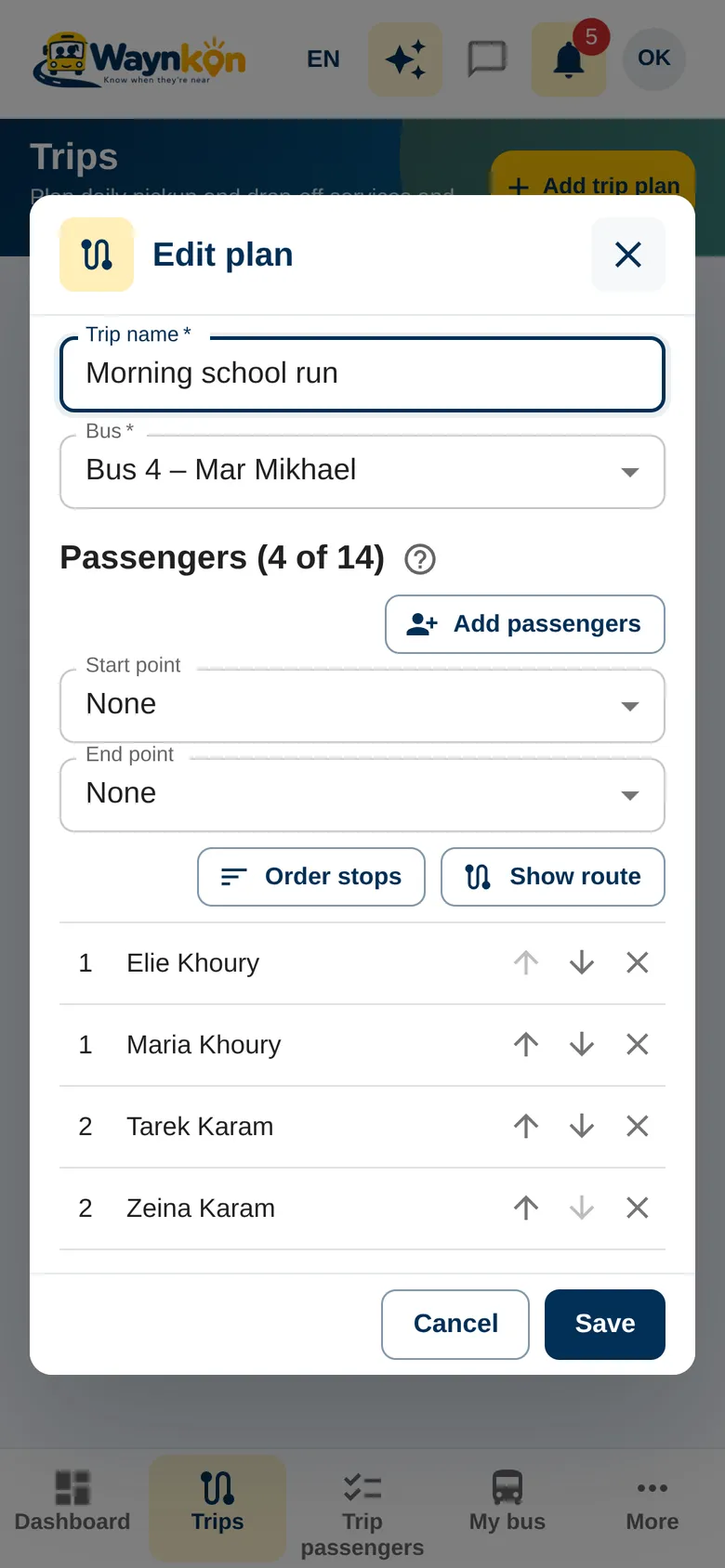
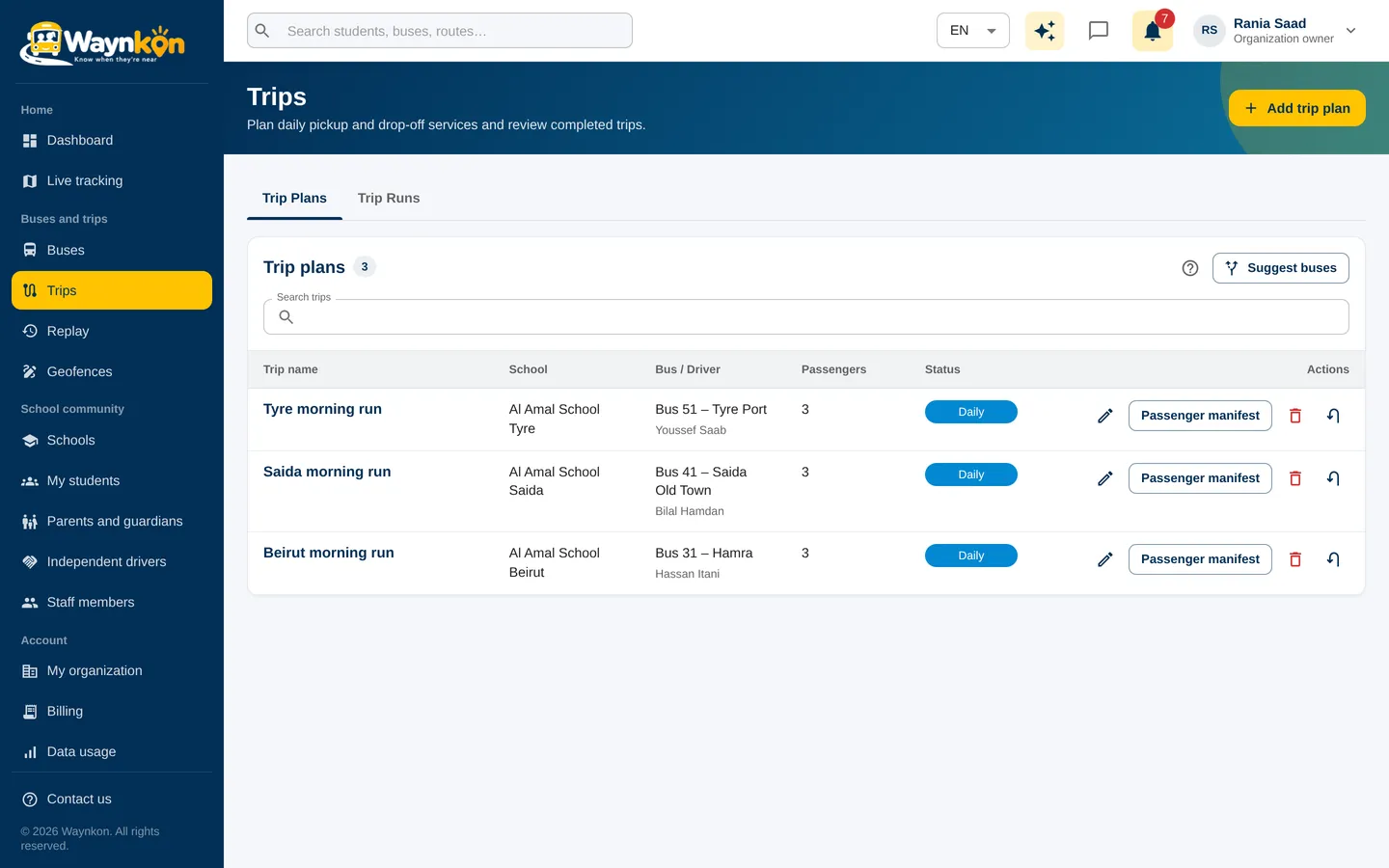
Plan the trip
Choose the bus, the passengers and the ordered pickup and drop-off stops. A trip plan is reusable, so tomorrow’s run is ready in a tap.
Start with the right passengers
When the driver starts the trip, Waynkon checks each passenger’s current enrolment and the bus capacity. A bus runs one trip at a time.
Record attendance at each stop
The driver marks each passenger picked up, dropped off or absent. Each child keeps their own record, and their family is notified.
Pause, resume and finish
Pause the trip when needed and resume it later. Ending the trip asks for confirmation, and warns if any attendance is still missing.
Review what was recorded
Finished trips keep their recorded history, available in Trips and Replay to the people allowed to see it.
See it in the app
- 0:00 / 0:15
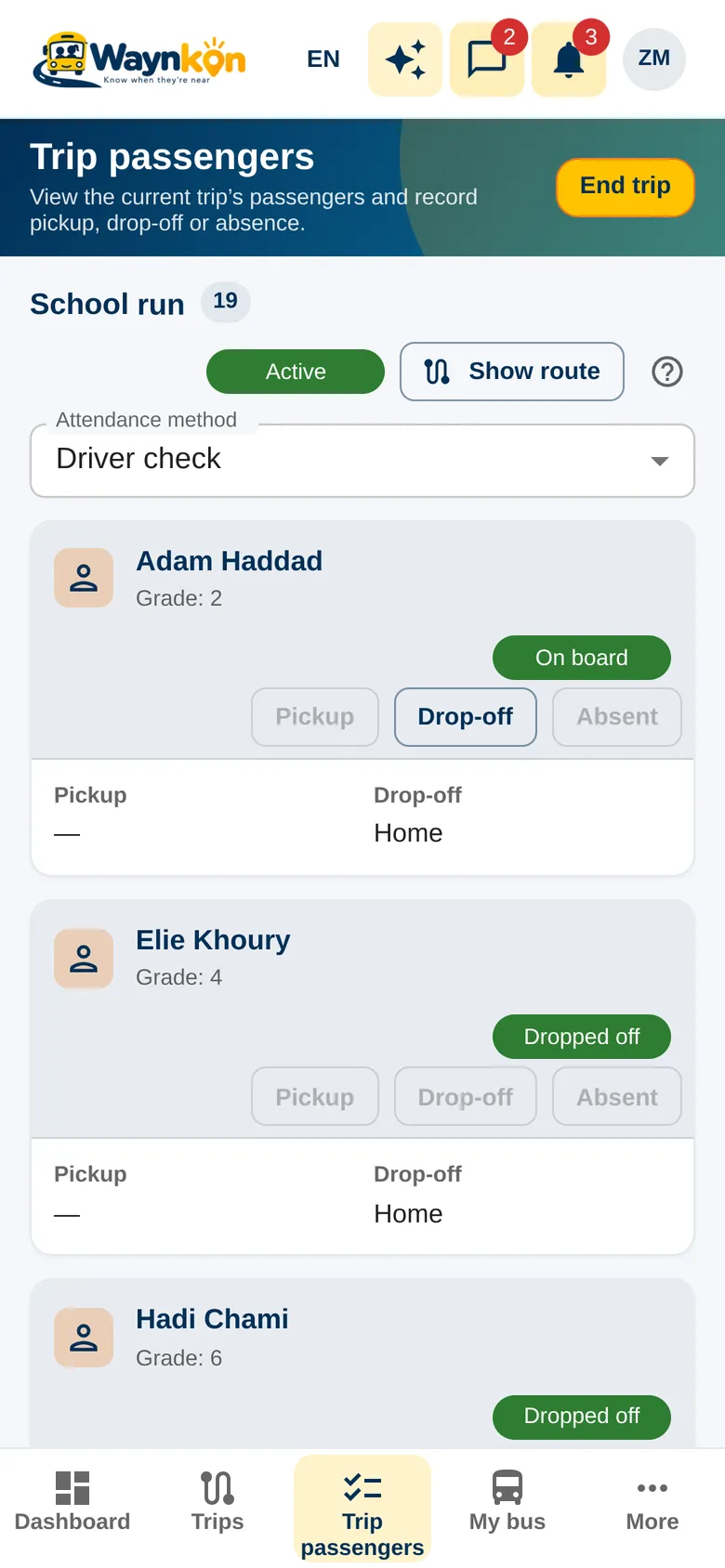
“Who’s still on board?”
On the afternoon trip of Bus 7 – Achrafieh: 18 passengers expected, 12 dropped off, 1 absent, 5 still on board.
- Attendance is recorded by the driver. Waynkon never marks a child dropped off on its own.
- A trip can be ended with missing attendance after a warning. The gap stays visible so the people responsible can follow up.
- Drivers should record attendance only when the bus is safely stopped.
Questions about trips
Does ending a trip confirm every child was dropped off?
No. Only the attendance the driver recorded counts. Anything missing stays marked as missing, for follow-up.
Can one bus serve several schools?
Yes. A bus can serve several schools or customers, running one trip at a time, with capacity checked on every trip.
Can a trip carry children from several families?
Yes. Each passenger is checked on their own enrolment, and each family sees only their own children.